Managing Students, Classes and Substitutions
Where student records, class rosters, and teacher substitutions live in the staff dashboard.
Last updated Sat Sep 26
Students & Classes
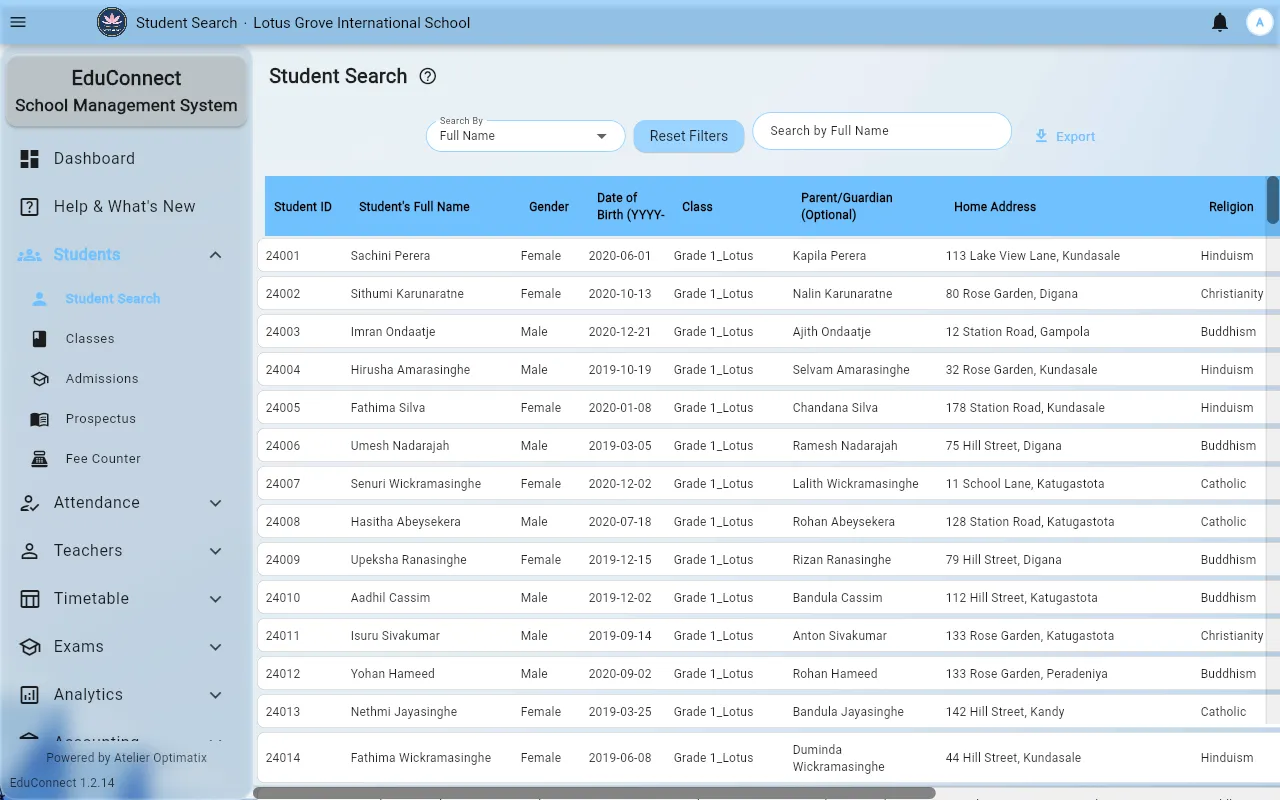
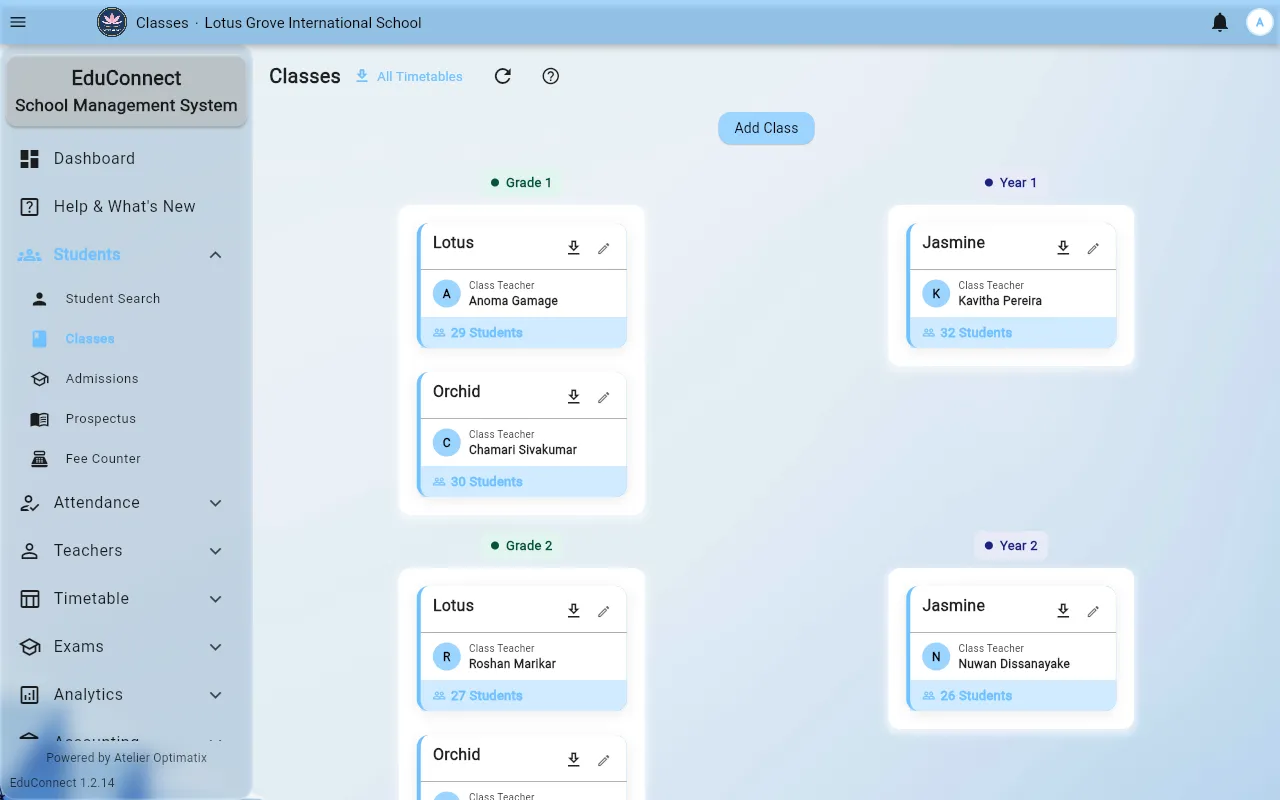
The Students and Classes sections are where office staff maintain the roster: adding new students, assigning them to a class, and updating their records. This is separate from Admissions, which covers a prospective student's application before they're enrolled — once an application is approved, the record graduates into the regular student roster.
Teachers
The Teachers section lists all staff, and is where a school admin:
- Adds or edits a teacher's profile
- Assigns a teacher to one or more classes (this assignment is what determines a teacher's attendance-editing access — see Taking Attendance)
- Views a teacher's monthly attendance
- Sets up substitutions when a class's regular teacher is away
Substitutions
A substitution temporarily changes who has editable access to a class's attendance and related records, without permanently reassigning the class. If a teacher unexpectedly can't edit a class they normally can, or a substitute can't see a class they were told to cover, check whether the substitution was actually recorded here — it's a common source of confusion since the effect (access changing) isn't visible from the attendance screen itself.
Admissions bridge
The Admissions entry under Students links out to the same guidebook and applicant-portal flow that prospective parents use before they apply — see Applying to a School for the applicant-facing side of this.