What EduConnect Is
One platform, two names — how EduConnect for schools, KinderCare for kindergartens, the parent portal and the admissions portal fit together.
Last updated Sat Sep 26
The short version
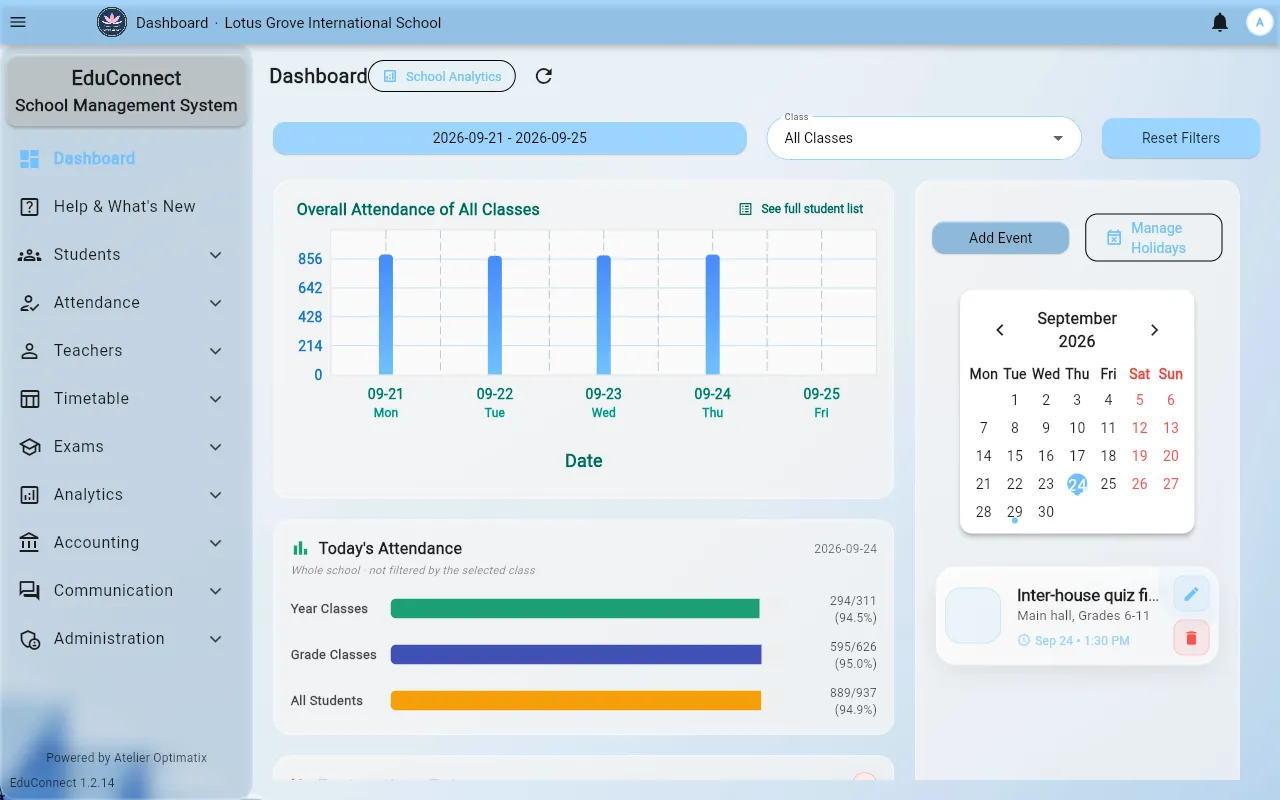
EduConnect is the main application. It is the staff dashboard where classes, students, teachers, attendance, the timetable, exams and fees all live. Almost everything in this guide is about that one application.
The same application is sold under two names, depending on who it is deployed for:
- EduConnect — the deployment for schools.
- KinderCare — the deployment for kindergartens.
They are not separate products with separate features. They are the same codebase with different wording, different defaults and a different set of screens switched on. A kindergarten does not get a cut-down EduConnect; it gets EduConnect with the parts a kindergarten actually uses.
If a screen is described anywhere in the EduConnect section of this guide, assume it also exists in a KinderCare deployment unless the KinderCare section says otherwise.
The pieces around it
Four things sit alongside the staff dashboard:
| Piece | Who signs in | What it's for |
|---|---|---|
| Staff dashboard | Staff, teachers, admins | Everything operational — this is EduConnect proper |
| Parent portal | Parents | Attendance, progress reports, the handbook, paying fees |
| Admissions portal | Applicants, before they are students | Reading the prospectus, applying, paying the application fee |
| KinderCare mobile apps | Kindergarten staff and parents | The two phone apps described in the KinderCare section |
The two KinderCare mobile apps — a staff app and a parent app — only exist for kindergarten deployments. Schools use the web parent portal instead.
Where it runs
The staff dashboard runs in any modern browser, and the same application is also packaged as:
- Phone apps for Android and iPhone. Teachers can add home-screen widgets for Mark My Attendance, My Timetable Today and the Calendar; tapping one opens the app at that screen. Send Messages is not available in the phone apps; use the web or Windows app for it.
- A Windows desktop app, which updates itself when a new version is published.
Everything in this guide applies to all of them; where a screen differs on a phone, the page says so.
Why the wording changes between institutes
The dashboard reads its own vocabulary from the institute's settings, so the same button can say "School" at one institute and "Kindergarten" at another. That is configuration, not a different build. See Why Terminology Changes Between Institutes.
Where to start
- New to the staff dashboard? Finding Your Way Around.
- Setting up an institute from nothing? Setting Up a New Institute.
- A teacher? Go straight to Your First Week as a Teacher.