Accounting Workflow — Ledger, Day-Close and Reconciliation
The order these steps need to happen in, and the difference between issuing and printing an invoice.
Last updated Sun Aug 30
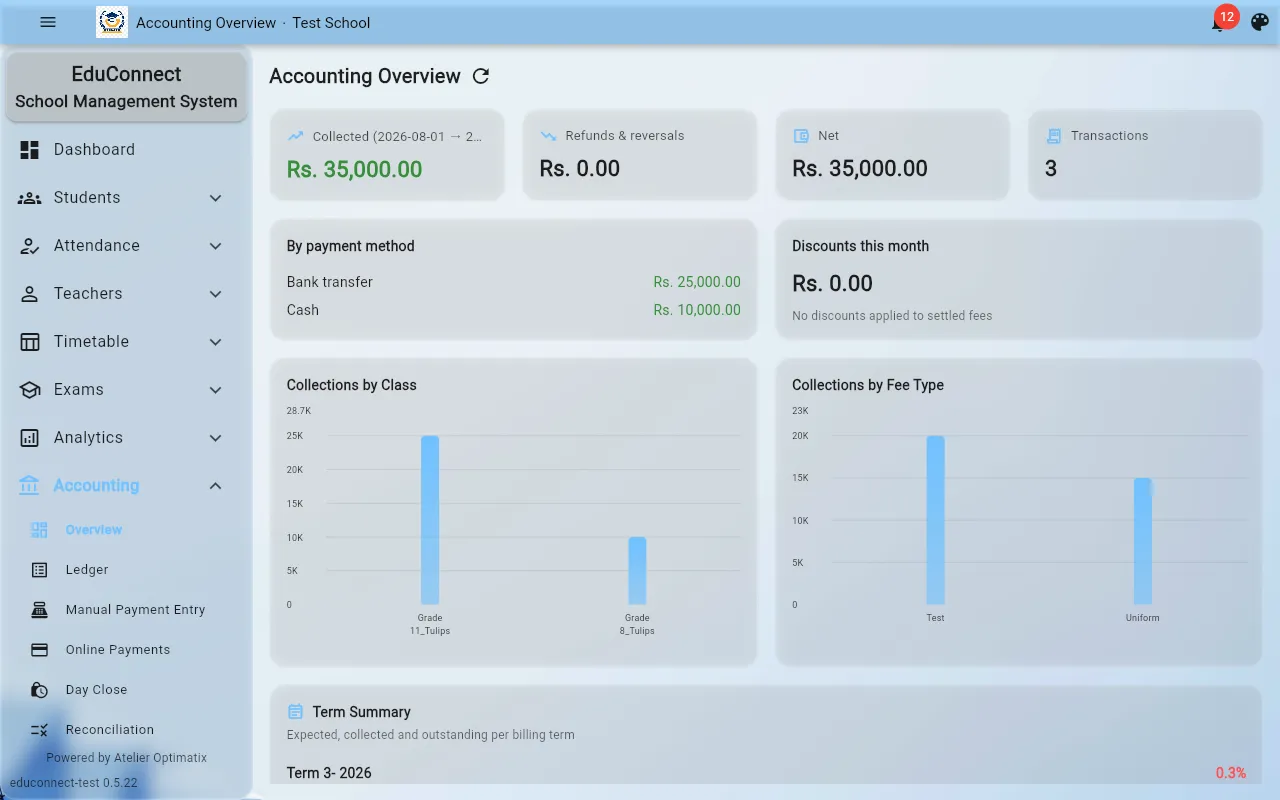
The accounting sections, in the order you'll typically use them
- Fees / Invoices — set up what's owed and issue invoices to families.
- Ledger / Entry — record payments and other transactions as they come in.
- Online payments — payments made by parents through the parent portal land here automatically; you don't need to manually enter these in the ledger (see Paying Fees Online for the parent-facing side of this).
- Day-close — closes out a day's transactions.
- Reconciliation — checks the closed day's records against actual receipts/bank records.
Day-close should happen before reconciliation for a given day — running reconciliation on a day that hasn't been closed yet, or trying to close a day a second time, is a common source of mismatched totals.
Issuing vs. printing an invoice
Issuing an invoice and printing it are two separate steps. Issuing is what makes the invoice official and recorded in the system; printing just produces a physical/PDF copy of an invoice that's already been issued. You can re-print an issued invoice at any time — you don't need to (and shouldn't) re-issue it just to get another copy.
Discounts
Discounts are applied per student/fee and affect what shows up on that student's invoice — set these up before issuing the invoice they should apply to, since issuing locks in the amount at that point.
Portal access
Portal access controls whether a parent can see and pay a given fee through the parent portal at all — if a parent says they can't find a fee to pay online, check this before assuming it's a payment-gateway problem.